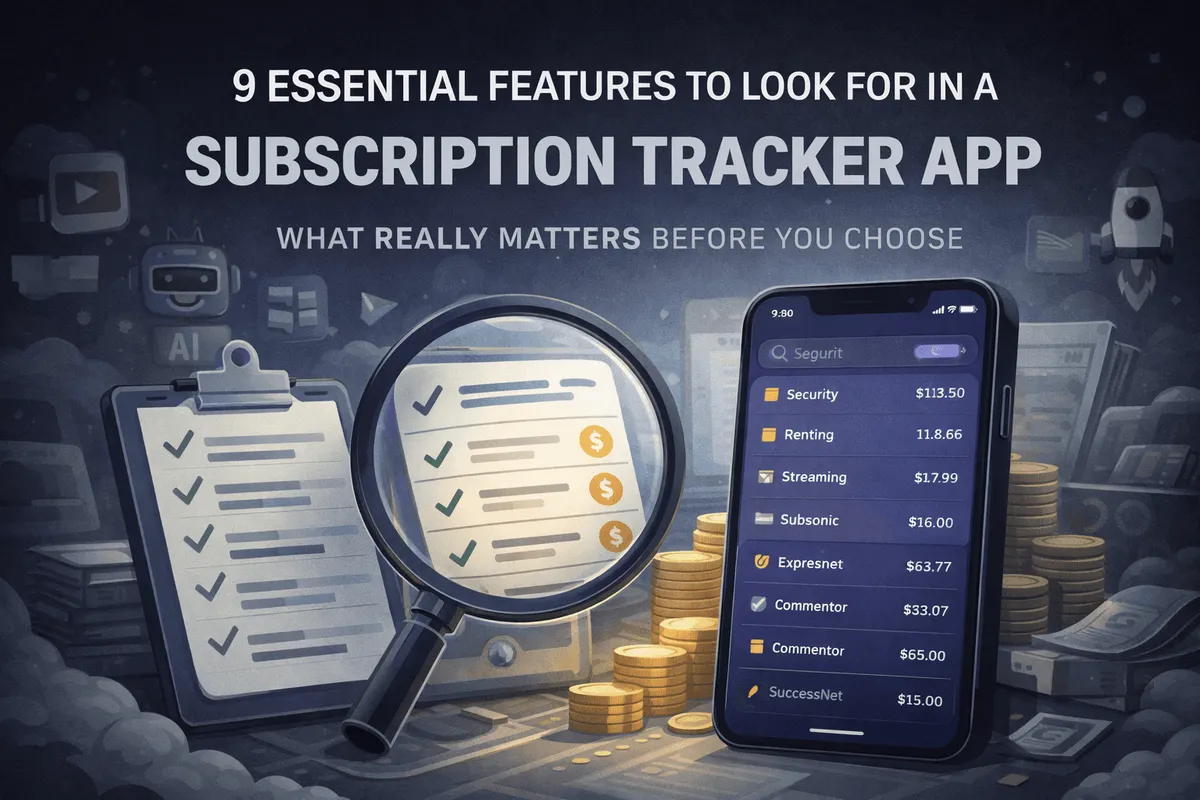
Why Choosing the Right Subscription Tracker Matters
Most people underestimate how much they spend on subscriptions every month. A good tracker does more than show you what you’re paying for, it helps you spot unused services, get alerts, avoid surprise renewals, and stay aligned with your financial goals.
Whether you have three subscriptions or thirty, the right app can help you save hundreds a year without a lot of headaches. It can also help reduce the feeling of clutter and lack of control when it comes to your subscriptions
1. Automation Level and Bank Connectivity
One of the first things to assess is how the app pulls in and lists your subscriptions: automatically, manually, or both.
Automatic vs Manual Tracking
Some apps use aggregators like Plaid or Tink to connect to your bank and detect recurring charges automatically. This is convenient and can help uncover forgotten subs, but it’s not always perfect. Banks vary in how they categorize charges, and accuracy can differ by provider or bank.
Manual tracking apps such as Bobby or Subby, on the other hand, require you to input each subscription yourself. This takes more time but gives full control and better privacy, especially helpful if your bank isn’t supported or you’re outside the US.
A third option is email-based tracking. Some apps offer read-only inbox connections to detect subscriptions from confirmation emails. While this can miss some merchants, it’s a smart middle ground between bank syncing and full manual entry.
Orbit Money, for example, will use both email and bank connections together to improve accuracy and fill in missing gaps across subscriptions and SaaS tools.
2. Geography and Bank Support
Bank sync-based automation is highly geography dependent. Apps like Rocket Money, Hiatus, and Trim only really work with US based banks (some may more in Canada). If you’re in the UK, EU, or Australia, you’ll need to double-check compatibility with your desired apps.
Key things to look for:
Supported countries and banks
Whether credit cards are included
Bank aggregation provider (Plaid, Yodlee, Salt Edge, etc.)
This is often overlooked but critical for international users. Apps such as Emma App; supports the UK and EU markets, Orbit plans on doing so.
3. Free vs Paid Plans and Feature Limits
Pricing models vary a lot. Some apps are free, some charge monthly, and others use a one-time unlock.
Before committing, check:
Maximum number of subscriptions you can track
Whether alerts and reminders are included in the free plan
Export/reporting limits
Access to premium features like automated cancellations or bill negotiation
Ironically, a subscription tracker can sometimes cost more than the subs you want to cancel, make sure the value makes sense.
Also, consider how the app makes money. Free tools may sell user data, or operate under larger ecosystems like Rocket Companies, which use Rocket Money to cross-sell financial products like mortgages and loans. This is also important to whether the applications will remain around long-term, as seen with the shutdown of Mint due to inviability of their business model.
4. Personal vs Business or SaaS Use
Not all subscription trackers are for personal use. Some are built specifically for business workflows, especially SaaS subscriptions and tool management.
Key features for freelancers or teams:
Split between personal and business expenses
Track tools by usage or team members
Visibility over seat-management
Export for taxes
Multi-currency support
Password tracking
Many apps either go all-in on personal finance or focus fully on enterprise, leaving out solo founders, freelancers, and creators. Orbit Money and TrackMySubs are two that serve this middle ground.
5. Notifications, Alerts, and Widgets
One of the most useful features in any tracker is renewal and free-trial alerts.
You want to be reminded:
Before a free trial converts
When an annual renewal is about to hit
If a charge suddenly increases in cost (only few offer this)
Look for:
Push notifications
Email reminders
Optional calendar integration
Widgets are another underrated bonus, showing upcoming charges on your home screen can help you stay aware without opening the app.
6. Cancellation Support and Guidance
This is a big differentiator.
Some apps (like Rocket Money, Hiatus or Trim) will try to cancel subscriptions for you (using and internal concierge service). Others guide you through the steps with links or customer support info.
Ask yourself:
Do you want the app to cancel for you?
Or do you prefer to do it yourself with clear instructions?
Cancellation concierge features are great, but may take time and aren’t always guaranteed, they may also ask for extra information from you to do so which may be personal.
7. Budgeting and Financial Tools
Do you want a dedicated subscription tracker, or a broader money management tool?
Some apps are focused and clean, designed just for subscriptions.
Others combine budgeting, net worth, saving goals, and more. These are great if you want a full picture of your finances, but can feel like overkill if you only care about your monthly subs.
Decide whether you want an all-in-one solution or a focused, lightweight tracker.
8. Platforms and Accessibility
Where and how you want to manage your subscriptions matters.
Check if your desired app supports:
iOS and Android support
Web or desktop access
Cross-platform sync
Some tools are mobile-first, others are only web-based. Pick one that fits your workflow and daily habits.
9. Privacy, Security, and Data Usage
Don’t overlook this.
Apps using bank or email sync rely on third-party aggregators. While they don’t even get access to your bank-logins, they do access transaction data, and how that’s handled varies.
Look at:
Whether the app sells or shares your data
If they offer end-to-end encryption
Their business model and monetization
For instance, Rocket Money is part of a larger financial brand, so your data might be used to offer tailored loans, cards, or other services. It’s not necessarily bad, but you should know. There’s large money in data.
Always read the privacy policy and understand how your info is used.
Final Thoughts
Choosing the right subscription tracker isn’t just about features, it’s about finding the right balance for your needs.
Think about:
How automated you want it to be
How many subscriptions you need to track
Whether you want budgeting tools, cancellation support, or just alerts
If it works where you live
The right tracker can simplify your financial life, reduce stress, and help you spend more intentionally.
For deeper comparisons, read our breakdown of top subscription tracker apps in 2025.
FAQs
What are the most important subscription tracker features?
Start with automation, alerts, and privacy. These three define the core experience.
Are subscription tracker apps safe?
Most reputable ones use secure bank-level encryption via Plaid or similar providers. Safety also depends on how they monetize your data.
Do free subscription trackers work well?
Yes, for basic visibility. But alerts, analytics, and cancellation support are usually locked behind a paywall.
Can these apps cancel subscriptions automatically?
Some (like Rocket Money or Trim subscription tracker) offer concierge cancellation (doesn’t always work perfectly or for all services). Others provide steps or guides to cancel manually.
Are subscription trackers useful outside the US?
They can be, but bank sync features often don’t work internationally, depending on the app.
Should businesses use regular consumer-focused trackers?
Small businesses or freelancers often outgrow personal finance tools. Options like TrackMySubs or Orbit Money better support for SaaS subscriptions, teams, and categorization.