
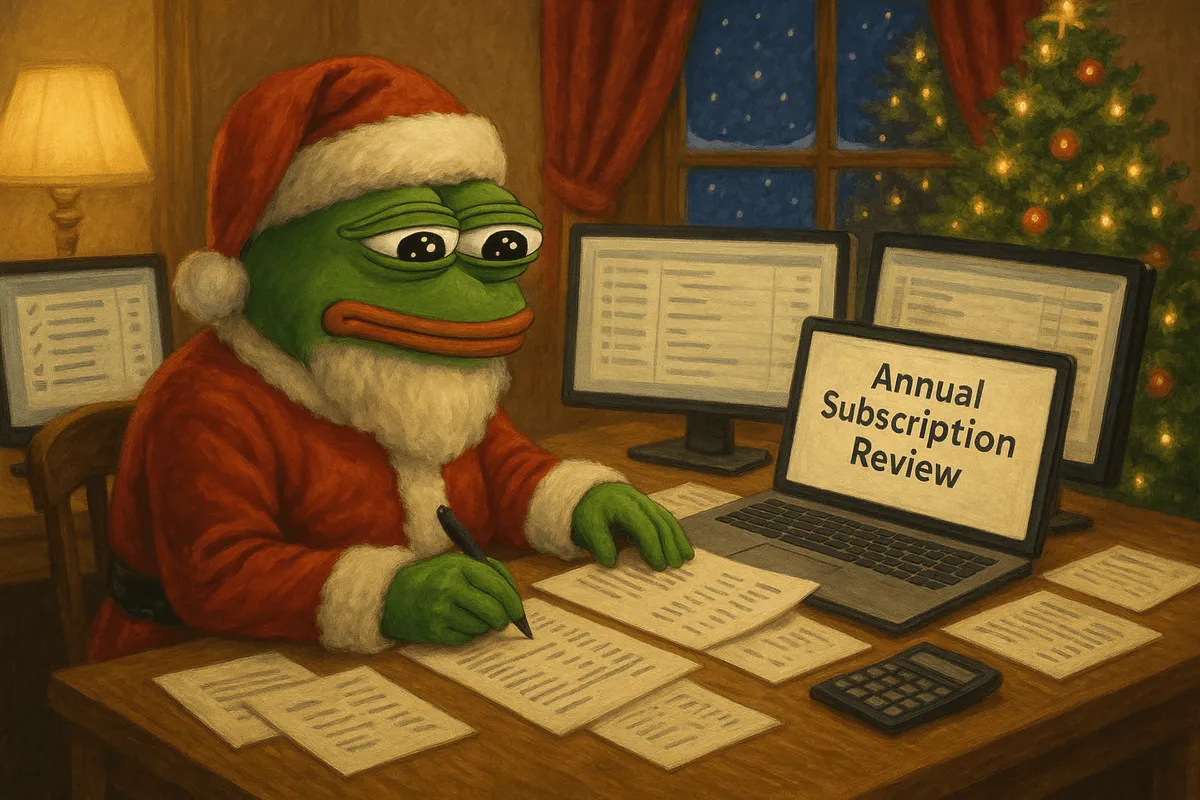
Why You Should Review Subscriptions at the End of the Year
Subscriptions are sneaky. One free trial turns into a paid plan, and monthly fees pile up in the background. Most people underestimate how much they spend on subscriptions, many by as much as 2.5x, according to studies.
If you’ve ever looked at your statement and thought, “Wait, what is that $12.99 charge?”, it's not just you.
Modern subscriptions are designed to trap consumers on autopilot, making them especially easy to forget and harder to track. That’s why December is the perfect time to pause, review, and reset.
A quick annual subscription audit can help you:
Cut unnecessary costs that are blowing out your budget
Simplify your digital life and subscription clutter
Start 2026 with a cleaner, more intentional budget
How Subscriptions Creep into Your Budget
Streaming services, fitness apps, SaaS tools, news platforms, each one feels affordable alone, but together, they quietly stack up.
Maybe it’s $6.99 for cloud storage, $12 for Spotify Premium, and $30 for that project management tool you barely use. By year’s end, you could be paying hundreds for things you’ve forgotten.
That’s why a year-end review isn’t optional anymore, it’s essential for optimising your finances.
Step 1: Take Inventory of All Your Subscriptions
Start by gathering a full list of what you’re paying for.
Check email and app store receipts
Look for sign-up confirmations or trial notices. Search for terms like “subscription,” “renewal,” or “receipt.”
Review your bank and credit card statements
Go month-by-month. You’ll likely find small recurring charges you didn’t recognize or remember.
Use subscription tracking tools
Apps like RocketMoney, Trim, or Hiatus can pull in active subscriptions automatically.
The Orbit Money app (coming soon) will let you track subscriptions using email scans or bank connection.
You can also use manual tracking apps or pull from spreadsheet if you upkeep them through the year, but it's still ideal to do a double-check.
Step 2: Be Honest About Usage
A subscription only has value if you actually use it.
When did you last log in or use it?
Did it improve your life or workflow this year?
Would you miss it if it disappeared tomorrow?
Do i really need 3 streaming services?
If a SAAS, how many seats are actually being used?
If something has been collecting digital dust, it’s probably time to cancel.
Step 3: Identify What to Cancel, Downgrade, or Keep
Subscriptions fall into three buckets:
Keep it:
If it provides real value, like a music streaming service you use daily, video editing software for content creation or a cloud storage plan for work, it’s probably worth it.
Downgrade it:
If you want to keep access but don’t need all the features, switch to a lighter plan or check for discounts.
Sometimes merchants offer discounts in the cancel flow, this is worth checking.
Here is an user-aggregated list of subscriptions that often offer cancel discounts to stay.
If downgrading SAAS seats, make sure to check that the plan is downgraded, just removing users often isn't enough alone.
Cancel it:
If you forgot you had it, haven’t used it in months, or no longer need it, let it go.
Some merchants let you cancel by email, some you need to login and go through the cancel flows. For more details on cancelling subscription you can find resources in the Orbit Cancel Hub.
Step 4: Review Pricing & Billing Structures
Watch for hidden upgrades or renewals
Many monthly subscriptions auto-convert to annual plans or raise prices without clear notice.
I can be wise to set up subscription notifications for renewal periods or end of free trials.
Some apps like Rocket Money and Emma App can automatically notify you when prices increases. This is a feature Orbit will also offer in the future.
Understand how you’re being billed
Some services bill through third-party platforms (like Google Play or the iOS App Store), which can hide charges in places you don’t regularly check.
Make sure to check these thoroughly when doing your audit.
Pro tip:
Companies often push annual plans with discounts, but only choose this if you’re confident you’ll use the service long-term.
You can often find good subscription deals around black Friday or boxing day, a great time to sign up to annual subscriptions and get them again at a discount the following year.
Step 5: Plan Ahead for 2025
Get proactive, not reactive, with your spending.
Mark renewal dates
Add reminders to your calendar so you’re not surprised by big annual charges.
Build a subscription budget
Set a monthly limit on recurring spend. This helps keep your finances aligned with your actual needs. Be real with yourself on what is emotional vs needed.
Compare before you subscribe
Many subscription tiers offer features you’ll never use. Don’t overpay for premium versions unless they truly add value.
Are there alternative services you can find that are cheaper?
Are there any sites where you can look for discounts before subscribing?
Set up a regular subscription audit schedule
It can be wise to set up a regular period to review your subscriptions, for consumers every few months to re-align spend.
For businesses or creators with more subscriptions it's wise to do it every few weeks as SAAS costs add up.
Tracking tools and apps can make this much more streamlined.
FAQs
How often should I review my subscriptions?
Once a quarter is ideal, but a full year-end review every December helps reset your spending.
What if I want to keep a service but not the full plan?
Look for downgrade options, many services offer lighter or free tiers.
Do paid subscriptions always mean better value?
No. They’re only worth it if you use them regularly and get meaningful benefit.
How do I catch hidden fees?
Go beyond your app store. Check your bank and card statements, where third-party billing often hides.
Should I pay monthly or yearly?
Start with monthly. If you use the service consistently, switch to a yearly plan for savings.
What about gift subscriptions?
They can be nice gifts, but make sure to set a reminder to cancel before auto-renewal kicks in.
Final Thoughts
An annual subscription review is one of the simplest ways to cut waste and take back control of your finances.
You’ll uncover forgotten charges, clean up unused services, and feel more intentional about what you spend each month.
This isn’t just about saving money, it’s about clarity and cutting out the clutter.
Make smarter decisions, reduce digital clutter, and build a budget that actually reflects your values.
Looking for a better way to manage subscriptions year-round?
Try Orbit Money for tools that help you track, review, and optimise your recurring expenses without the headaches.
Orbit is live. Try it today →